
How Oakwatch works
Staff check in. If they don't, the right people are told, in the right order, until someone responds.
Before a job
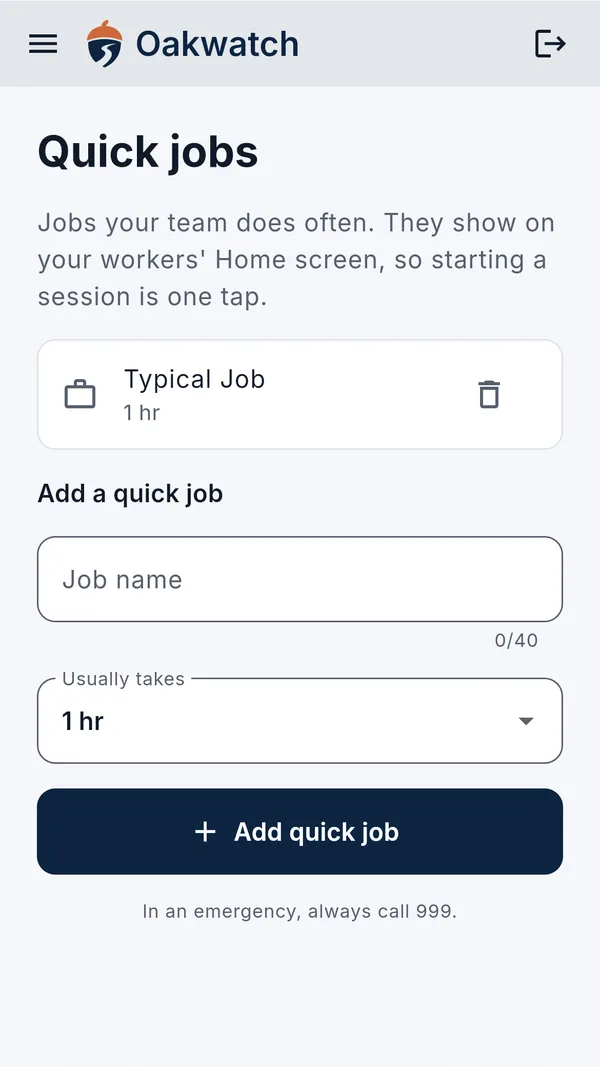
Your worker opens the app and taps Start session. They can say what the job is (optional) and choose how long it'll take: 30 minutes, 1 hour, 2 hours or their own time. Their location is shared once, as the session starts.
When the job's done
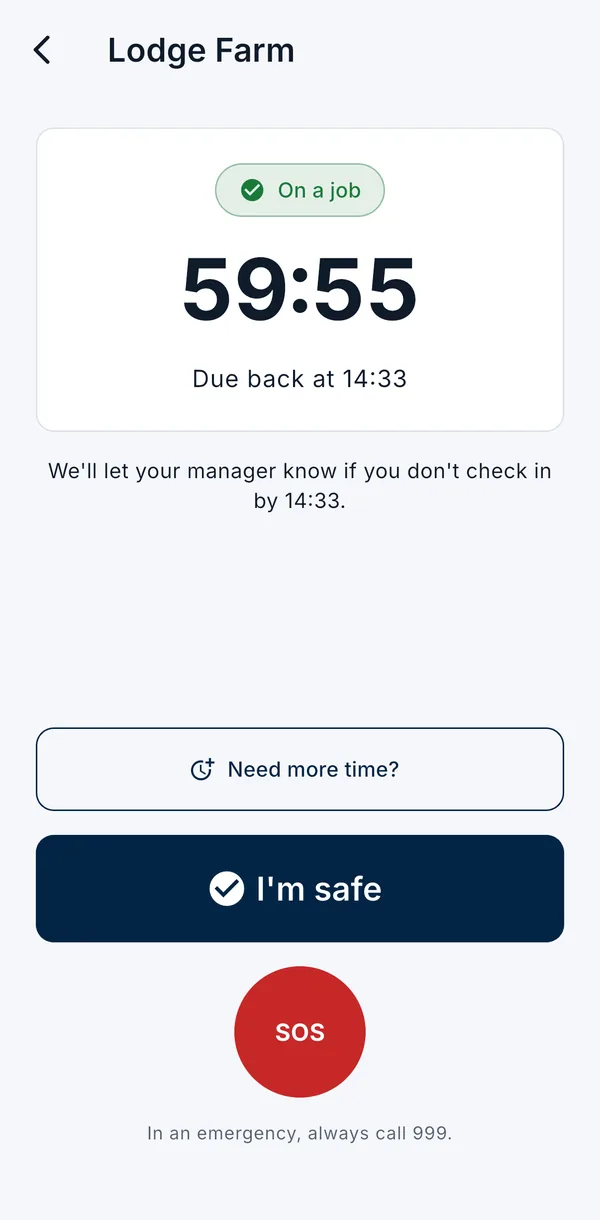
They tap I'm safe. The session ends and location sharing stops. No signal? The check-in goes as soon as they have one.
10 minutes before time's up, we send a reminder with two buttons: I'm safe, or add 30 minutes. They can also add more time in the app.
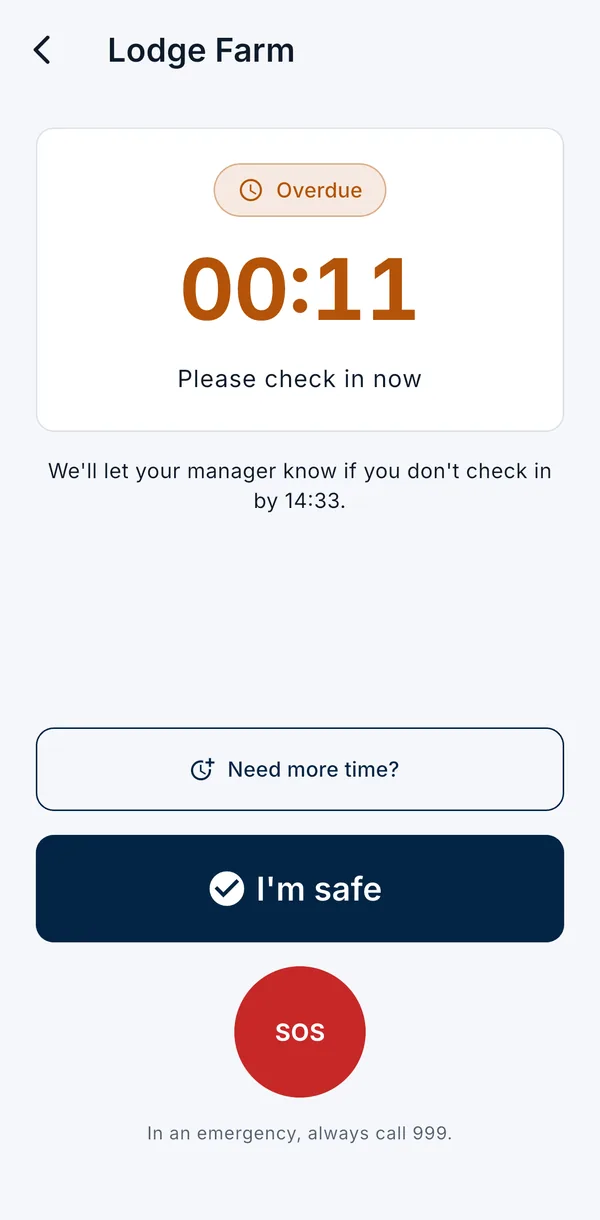
If someone misses a check-in
5 minutes after time's up
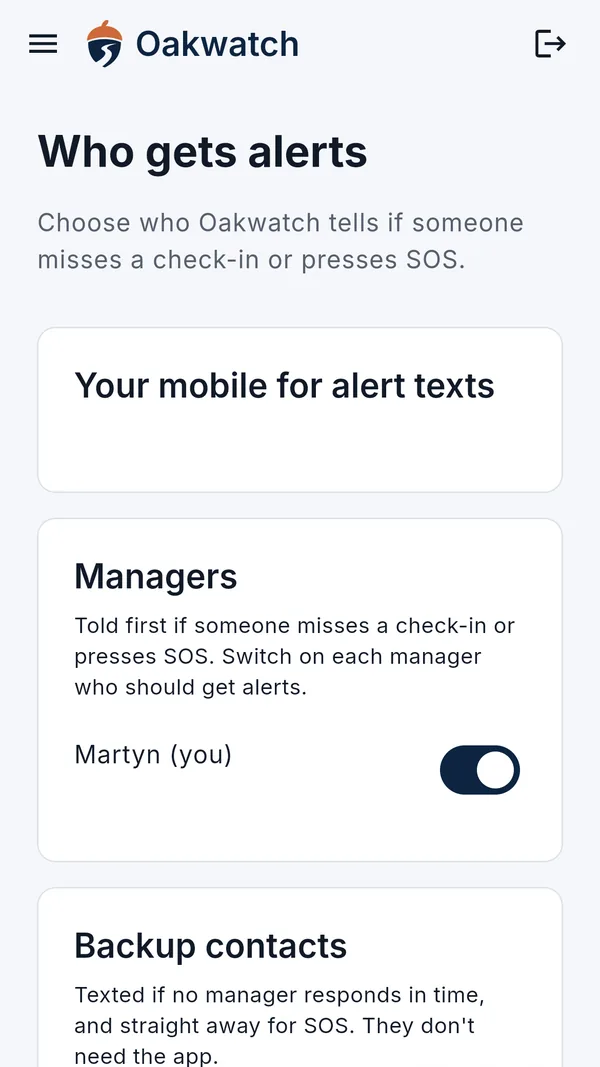
Your alert managers get an app notification and a text, with the worker's name, the job and when they were due.
10 minutes later, if no manager has responded
Your backup contacts are texted too. They don't need the app.
Every 10 minutes after that
Everyone alerted is reminded, for up to an hour, until someone presses I'm handling it.
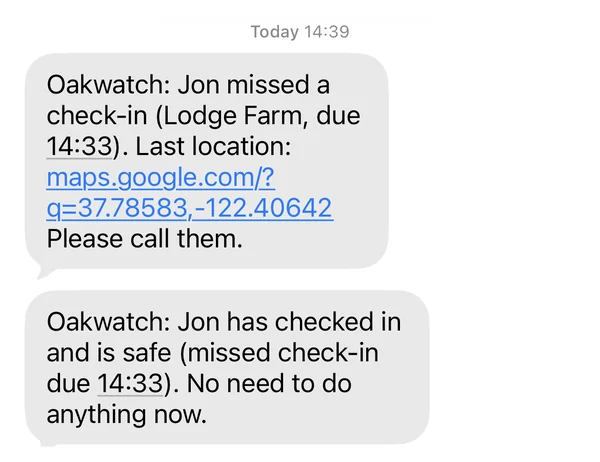
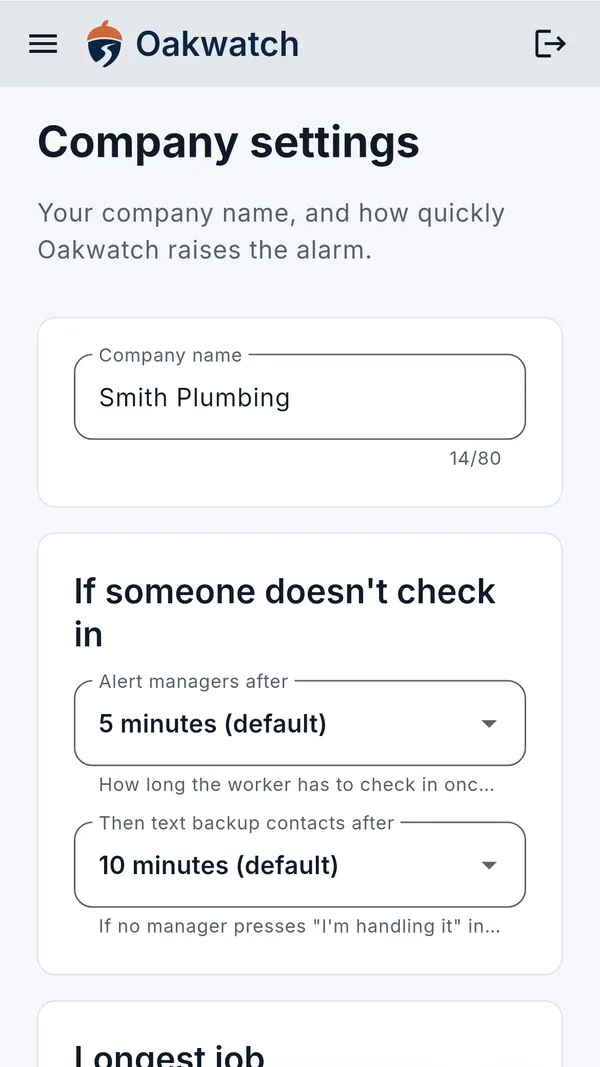
You can change the first two timings in your company settings. If the worker checks in late, everyone who was alerted is told they're safe.
SOS
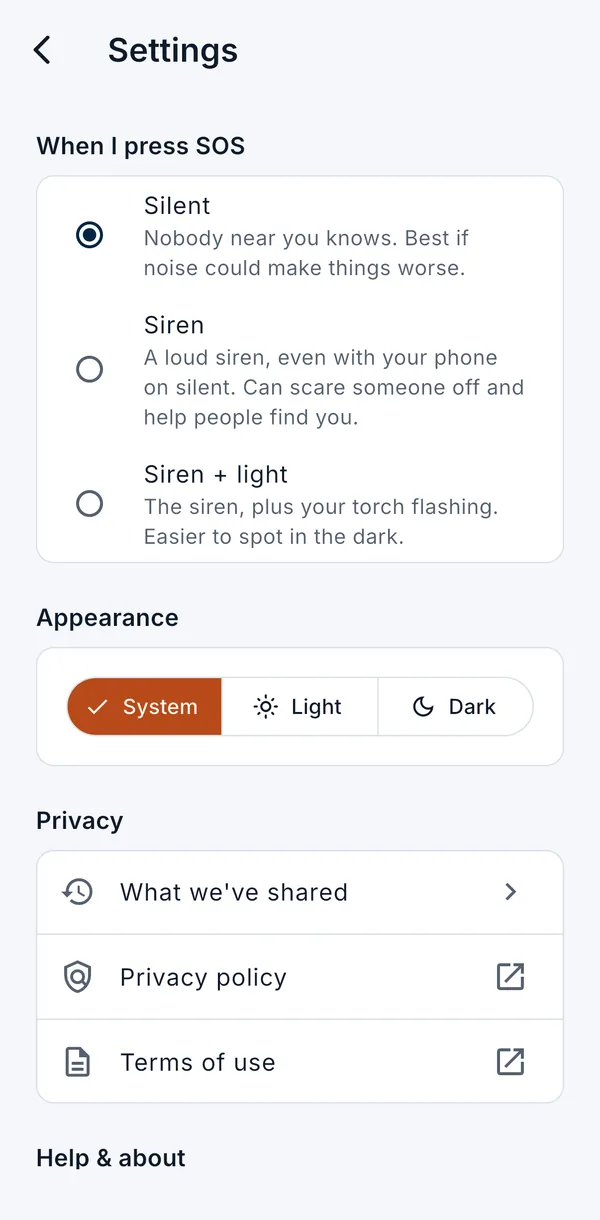
If something goes wrong, the worker holds the SOS button for 3 seconds. Managers and backup contacts are told straight away, with the worker's location, which updates every few minutes while the SOS is open. The worker can choose a silent SOS, or a loud siren that plays even with the phone on silent.
What managers see
- The live board on the manager website: alerts at the top, then everyone out on a job and when they're due back.
- Each alert: what happened, the worker's mobile to call, and when and where they last shared their location.
- I'm handling it tells everyone else someone's on it. Resolve closes the alert with a note.
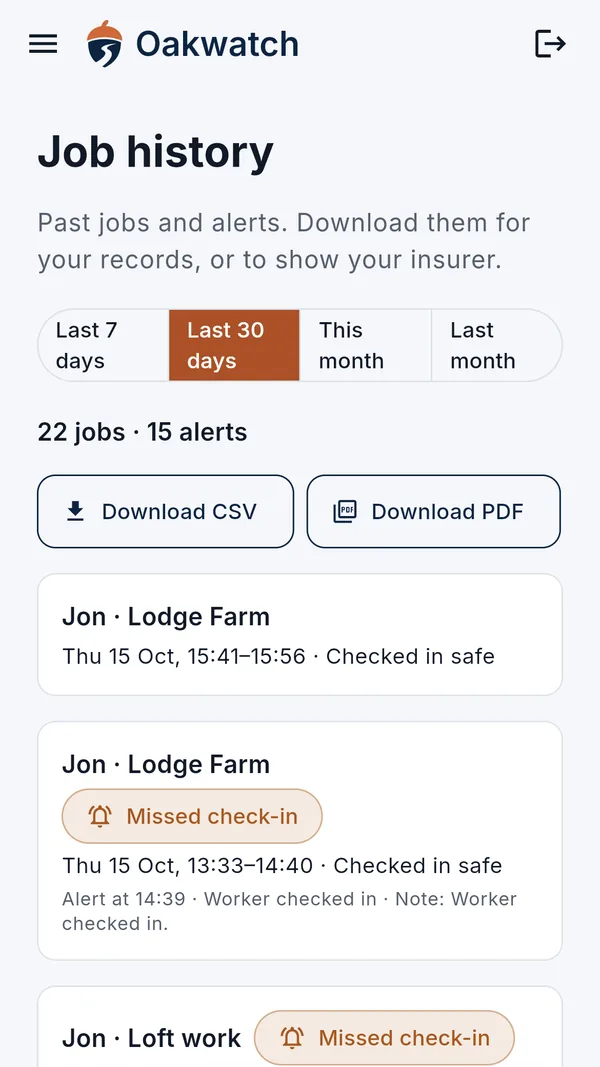
- History: past jobs and alerts, downloadable as a spreadsheet or PDF for your records or your insurer.
- Monthly safety reports: a summary of each month, emailed to managers on the 1st.
Honest about what it isn't
Alerts go to your own managers and contacts, not a call centre. Oakwatch isn't a 24-hour monitoring service and doesn't call 999 for anyone. It needs phone signal or Wi-Fi to work. If you can't reach someone and you're worried, call 999.
Try Oakwatch with your team
We're running a free pilot with a small number of UK businesses. You'll get the app before anyone else, and a direct line to the person who built it.
Or email hello@oakwatch.co.uk.