
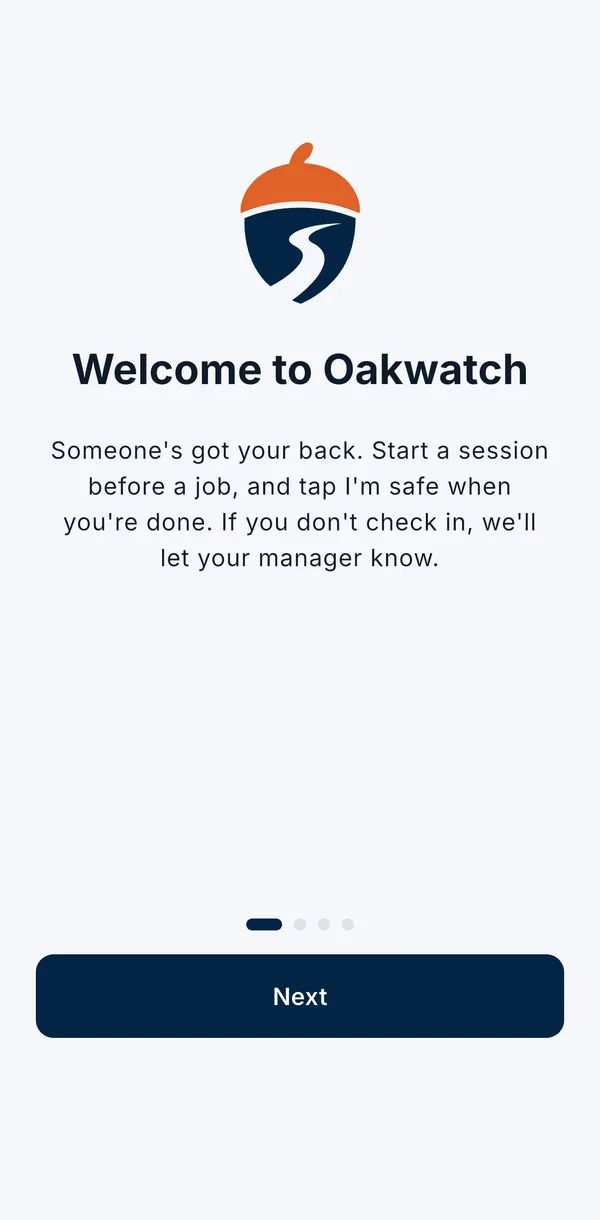
Someone's got your back
Oakwatch is there for the days a job goes wrong. It isn't there to keep tabs on you.
How it works for you
Start a session before a job
Two taps: what the job is, and how long.
Tap "I'm safe" when you're done
That's it. Session over, and nothing more is shared.
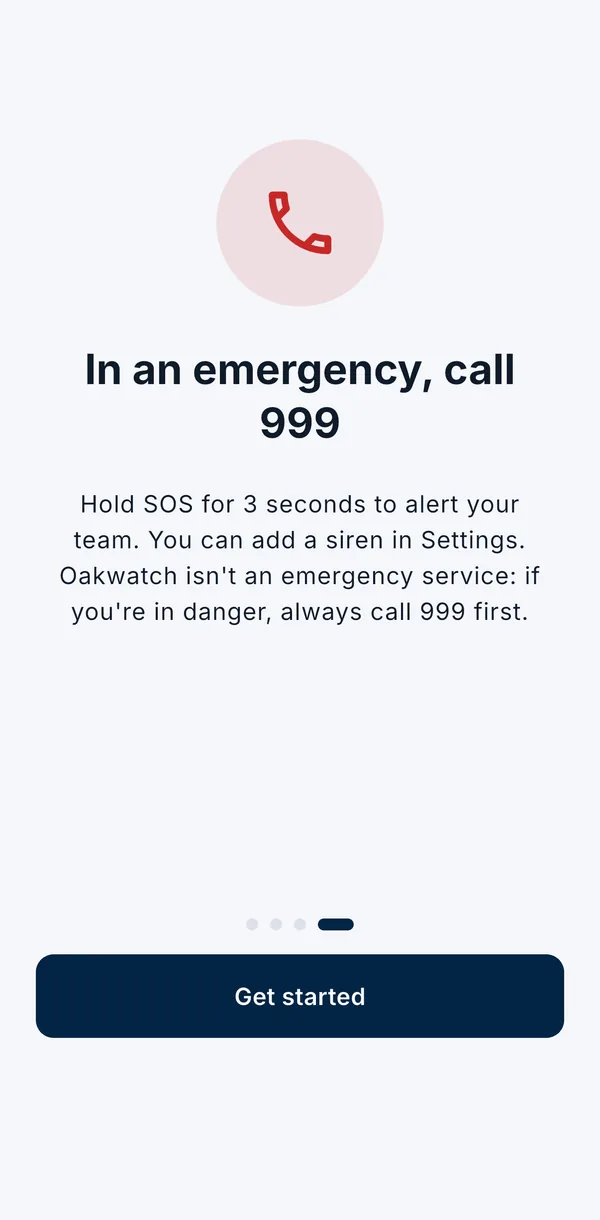
Something wrong? Hold SOS
Hold the button for 3 seconds and your team is told straight away.
Your privacy
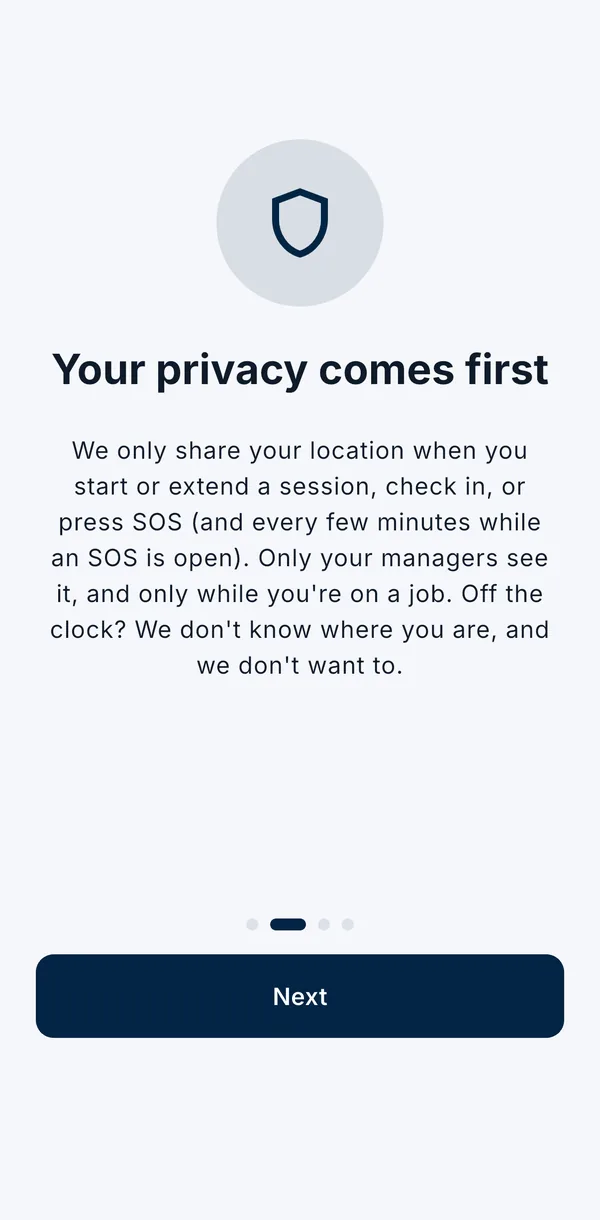
We only share your location during a session or SOS. Never after work, never at weekends, never in the background.
Exactly when your location is shared:
- when you start a session, or add more time;
- when you check in;
- when you press SOS, then every few minutes until the SOS is closed.
Only your managers see it. The app always shows what's been shared, and a session ends when you check in. Read our privacy policy for the full details.
Common questions
Can my boss see where I am all day?
No. Your location is only shared when you start or extend a session, check in, or press SOS, and every few minutes while an SOS is open. Off duty, nothing is shared.
Who can see my location?
Only your managers, and only for your sessions and SOS alerts.
Does it run in the background?
Oakwatch doesn't share your location in the background. It only sends it at the moments listed above.
Will it drain my battery?
No. Because it only shares your location at a few moments, not all the time, it uses very little battery.
Do I have to pay for it?
No. Your employer pays. The app is free for you.
What if I forget to check in?
We remind you 10 minutes before your time's up. If you still miss it, your manager is told, and they'll probably just call to check you're OK.
Can I delete my account?
Yes, any time, in Settings. See our Delete your account page for what happens to your data.
In an emergency, call 999 first. Oakwatch tells your team. It doesn't call 999 for you.